You just bought Bitcoin. You set a strong password. You think you're safe. Then you wake up to an empty wallet. Why? Because passwords are broken. In 2025 alone, Two-Factor Authentication (2FA) is the only thing standing between your digital assets and a hacker who guessed your password or stole your SMS code.
Here’s the hard truth: not all 2FA apps are created equal. Some leave you vulnerable to SIM-swapping attacks. Others make it impossible to recover your account if you lose your phone. And a few are actually built for the specific threats facing cryptocurrency holders in 2026. If you’re holding more than $1,000 in crypto, picking the wrong app isn’t just annoying-it’s expensive.
Why Standard Passwords Fail Crypto Holders
Think about how you log into your bank. Now think about logging into Coinbase or Binance. The stakes are different. Banks can reverse fraudulent transactions. Crypto transactions are irreversible. Once those tokens leave your wallet, they’re gone forever unless the recipient sends them back.
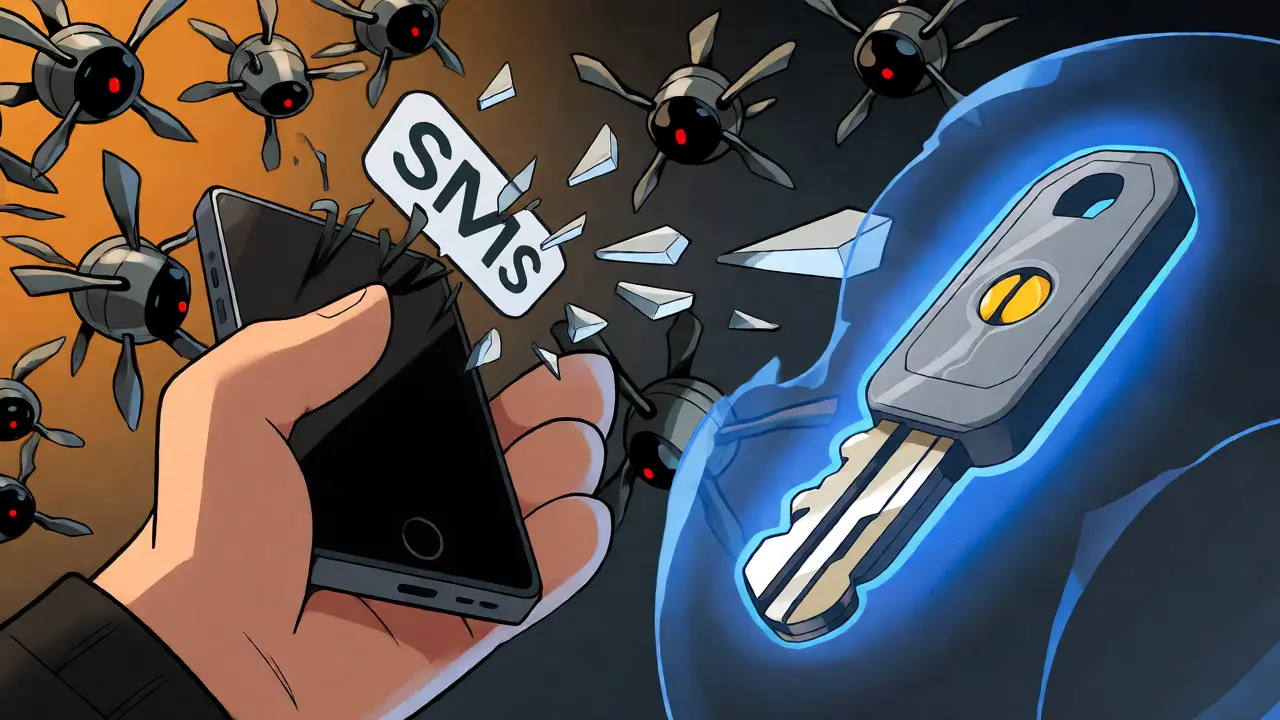
This is where 2FA comes in. It adds a second layer of verification-something you have (like a phone or key) plus something you know (your password). But here’s the catch: traditional SMS-based 2FA is failing. Hackers use SIM-swapping to hijack your phone number, intercepting your text codes before you even see them. According to recent industry reports, SMS vulnerabilities compromised over $127 million in cryptocurrency in just one quarter of 2025. That’s why you need an app that generates codes locally on your device, independent of your cellular network.
The Top Contenders for 2026
We tested the leading solutions against real-world scenarios: losing your phone, switching devices, and facing sophisticated phishing attacks. Here’s what stands out.
| App Name | Type | Backup System | Security Score | Best For |
|---|---|---|---|---|
| Sentinel Authenticator | Mobile App | Decentralized/Blockchain | 9.7/10 | Privacy-focused users |
| Authy | Mobile/Desktop | Cloud Encrypted | 9.2/10 | Multi-device users |
| YubiKey | Hardware Key | Physical Device | 9.0/10 | High-value holdings |
| Google Authenticator | Mobile App | None (Manual) | 8.5/10 | Simplicity seekers |
| FreeOTP | Mobile App | None | 7.5/10 | Open-source purists |
Sentinel Authenticator: The New Gold Standard?
If you haven’t heard of Sentinel Authenticator, you will soon. Launched recently but gaining rapid traction, this app solves the biggest pain point for crypto users: backup and recovery without trusting a central server.
Unlike Authy, which stores encrypted backups in the cloud, Sentinel uses a decentralized architecture. Your backup keys are split and stored across multiple blockchain networks. This means no single company can access your data, and if one node goes down, your backup remains intact. It also implements quantum-resistant algorithms, preparing your security for future computing threats. While the setup takes longer (8-12 minutes), the peace of mind is worth it for long-term holders who fear both hackers and corporate data breaches.
Authy: The User Experience King
For most retail investors, Authy hits the sweet spot. Owned by Twilio, it offers seamless synchronization across phones, tablets, and desktops. Lost your phone? Log in on your laptop, and your codes appear instantly. No manual re-scanning of QR codes.
Authy’s end-to-end encryption ensures that even Twilio can’t read your codes. It’s particularly popular among Coinbase and Binance users because it integrates smoothly with their web interfaces. However, it does rely on a cloud backup system. If you forget your passphrase and don’t have another device logged in, you could face recovery issues. Still, with a 4.6/5 rating on Trustpilot and 24/7 support, it’s the safest bet for convenience-minded users.
YubiKey: Hardware Beats Software
If you hold significant assets ($50k+), software apps aren’t enough. Enter the YubiKey. This physical USB-C or NFC key provides hardware-level security using FIDO2 standards. Unlike TOTP apps, YubiKeys are immune to remote phishing attacks. A hacker can steal your password and intercept your SMS, but they can’t physically insert your key into their computer.
Yubico’s 2025 report claims YubiKeys prevented $2.3 billion in potential thefts. The downside? Cost and portability. You need to carry the key, and if you lose it, you’re locked out unless you have a spare. For institutional accounts or whales, this is non-negotiable. For casual traders, it might be overkill.
Google Authenticator: Simple but Risky
Google Authenticator is everywhere. It’s free, simple, and works offline. But it has a fatal flaw: no backup system. If you lose your phone or uninstall the app, you lose your codes forever. Recent updates added some sync features, but they’re limited compared to Authy.
Data shows that 78% of users who lost their primary device with Google Authenticator also lost access to their accounts. Unless you manually screenshot your secret keys and store them securely, this app is a ticking time bomb for active traders.
How to Choose Based on Your Portfolio Size
Your choice should match your risk tolerance and asset value. Here’s a quick decision tree:
- Under $1,000: Use Authy. The convenience outweighs the marginal security difference. Ensure you set up multi-device sync immediately.
- $1,000 - $50,000: Consider Sentinel Authenticator or stick with Authy but add a secondary authentication method (like email confirmation). Prioritize apps with robust backup options.
- Over $50,000: Invest in a YubiKey. Pair it with a mobile authenticator like Authy for exchanges that support dual-factor hardware/software combos. Never rely solely on SMS.
- Institutional/Custody: Mandatory hardware keys (YubiKey or Ledger Nano X with 2FA integration). Avoid consumer-grade apps entirely.

Critical Setup Mistakes to Avoid
Even the best app fails if you set it up wrong. Here are three common errors we see in support tickets:
- Skipping the Backup Code: When you enable 2FA, exchanges give you a 10-16 character recovery code. Write it down. Store it in a fireproof safe. Do not save it as a screenshot on your phone. If your phone dies, this code saves your portfolio.
- Using SMS as Primary 2FA: Always choose "Authenticator App" over "SMS" when offered. SMS is convenient but vulnerable to carrier-level attacks. Reserve SMS for recovery only, never for daily login.
- Ignoring Time Sync Issues: TOTP codes change every 30 seconds based on time. If your phone clock drifts, codes won’t match. Enable "Automatic Date & Time" in your phone settings. If codes fail repeatedly, check this first.
The Future of Crypto Security
The landscape is shifting. By 2028, analysts predict 45% of crypto security solutions will incorporate blockchain-based authentication. We’re already seeing moves toward passkeys and biometric hardware integration. Sentinel’s roadmap includes deeper wallet integrations, while Yubico plans to release the YubiKey 7 with enhanced Bluetooth capabilities later this year.
What does this mean for you? Don’t get stuck in legacy systems. If you’re still using SMS, upgrade now. If you’re using Google Authenticator without backups, migrate to Authy or Sentinel. The cost of switching is minutes; the cost of failure is thousands of dollars.
Is SMS 2FA safe for cryptocurrency?
No, SMS 2FA is considered unsafe for serious cryptocurrency holdings due to SIM-swapping attacks. Hackers can trick your mobile carrier into transferring your number to their device, allowing them to intercept your verification codes. Always prefer authenticator apps or hardware keys.
What happens if I lose my phone with Authy installed?
If you set up multi-device synchronization and remember your Authy passphrase, you can install Authy on a new device and restore your codes from the encrypted cloud backup. Without the passphrase, you may need to contact support for account recovery, which can take several days.
Can I use two different 2FA apps at the same time?
Yes, many exchanges allow you to register multiple 2FA methods. For example, you can link both Authy and a YubiKey to your Binance account. This provides redundancy-if one method fails or is unavailable, you can use the other to log in or withdraw funds.
Is Google Authenticator better than Authy?
It depends on your needs. Google Authenticator is simpler and completely offline, offering higher privacy since no data leaves your device. However, Authy is superior for usability because it syncs across devices and offers encrypted backups. For most crypto users, Authy’s backup feature makes it the safer choice against device loss.
Do I need a YubiKey if I have a small amount of crypto?
Not necessarily. A YubiKey costs around $40-$80, which may not be justified for portfolios under $1,000. An authenticator app like Authy or Sentinel provides sufficient security for smaller amounts. Upgrade to hardware keys when your holdings justify the additional cost and complexity.