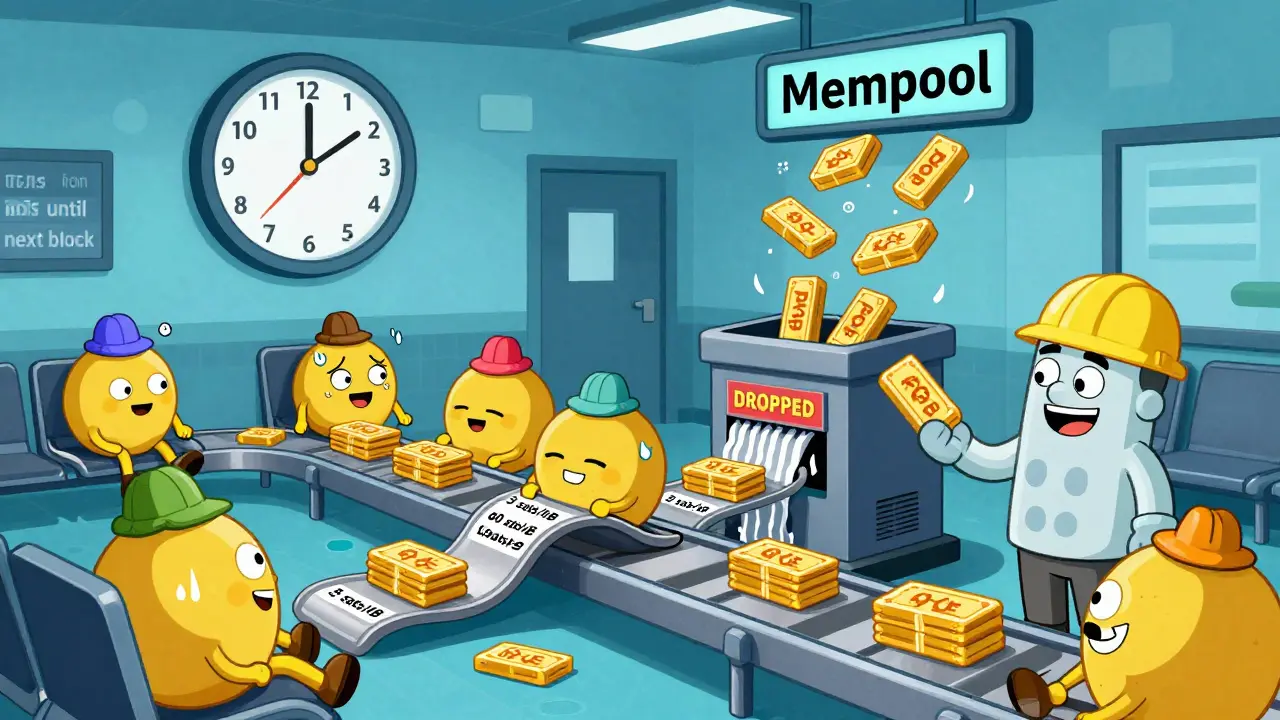
When you send Bitcoin, it doesn’t instantly land in the other person’s wallet. It sits in a digital waiting room. That room is called the mempool. And the space where it eventually goes - inside a confirmed block - is called block space. These two things aren’t the same, but they’re deeply connected. If you’ve ever waited hours for a transaction to confirm, or paid way more in fees than you expected, this is why.
What Is the Mempool?
The mempool is short for memory pool. Think of it as a temporary holding area for transactions that have been sent across the Bitcoin network but haven’t been added to the blockchain yet. Every full node on the network - there are tens of thousands - keeps its own copy of the mempool. So if you send a transaction, it doesn’t go to one central place. It gets broadcast to every node, and each one adds it to their own list.This isn’t just a backup system. It’s how the network stays decentralized. No single miner or company controls which transactions go where. Instead, every node independently checks if a transaction is valid - no double-spending, correct signatures, valid inputs - and then holds it in memory until a miner picks it up.
The mempool isn’t infinite. Bitcoin Core, the most common software, sets a default size limit of 300MB. When it fills up, nodes start kicking out the lowest-fee transactions to make room. That’s why a transaction with only 5 satoshis per virtual byte (sats/vB) might vanish from the mempool after a few hours - it’s not worth the space. But a transaction paying 50 sats/vB? That one sticks around, sometimes for days, if the network stays busy.
Transactions in the mempool aren’t stored in order of arrival. They’re sorted by fee rate. Higher fees = higher priority. Miners look at this list and pick the most profitable ones to include in the next block they’re trying to mine. That’s why you can’t just wait - you have to bid.
What Is Block Space?
Block space is the physical limit of how much data can fit into one Bitcoin block. Right now, each block is capped at 1MB for legacy transactions, or about 4MB if you count SegWit efficiency. That’s roughly 2,000 to 4,000 transactions per block, depending on complexity. That’s it. No more.Every 10 minutes or so, a miner assembles a new block. They pull transactions from the mempool, but they can only take as many as fit. That’s the bottleneck. Even if 10,000 transactions are waiting, only 2,500 can get in. The rest? They stay in the mempool. And the ones left out? They get pushed down the list, waiting for the next block.
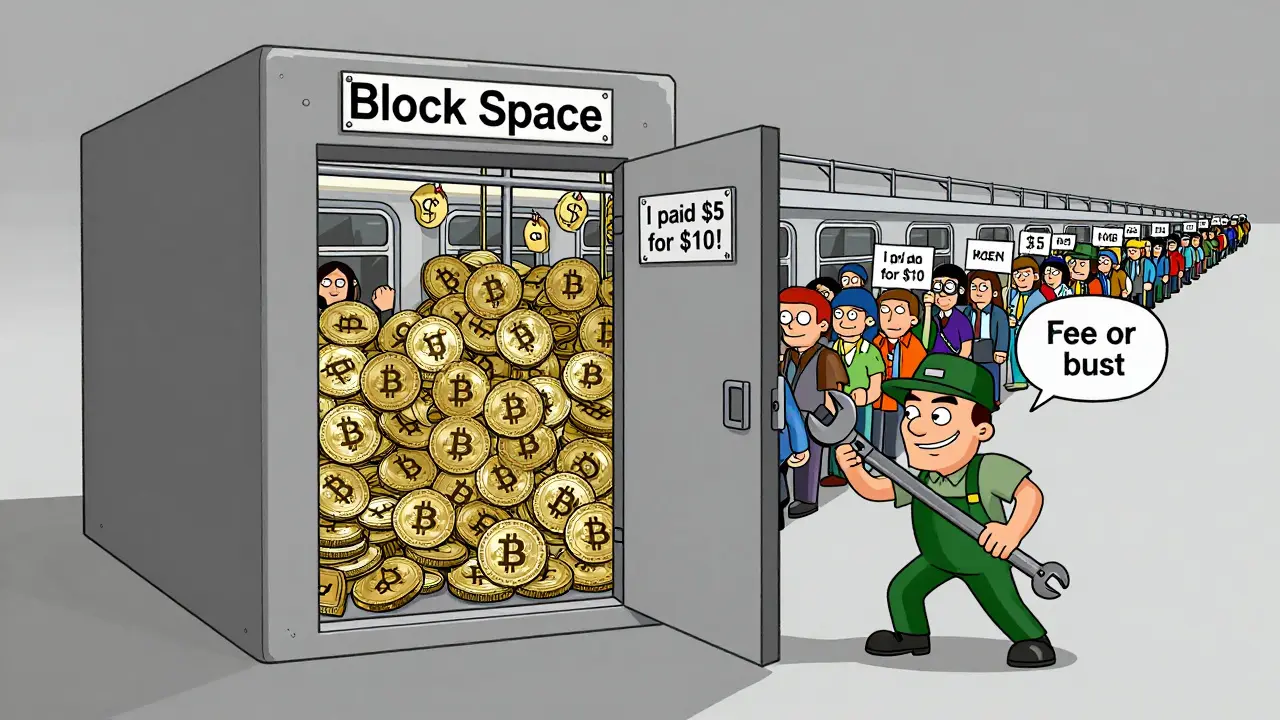
Block space isn’t just a technical limit - it’s a scarce resource. And scarcity creates competition. When demand for block space goes up (like during a price surge or a popular NFT drop), users start offering higher fees to jump ahead. That’s how Bitcoin’s fee market works. It’s not set by a central authority. It’s set by users bidding against each other.
Miners don’t care about your urgency. They care about the fee. A block with 100 high-fee transactions pays more than a block with 2,000 low-fee ones. So miners optimize for profit, not fairness. That’s why during congestion, even small transfers can cost $5 in fees - not because Bitcoin is broken, but because block space is limited and everyone’s trying to get in.
How They Work Together
The mempool and block space aren’t separate systems - they’re two sides of the same coin. The mempool is the supply: all the transactions waiting to be confirmed. Block space is the demand: the fixed number of slots available every 10 minutes.When the mempool is empty, transactions get confirmed fast, even with low fees. That’s what happens during quiet periods - like late at night or right after a weekend. But when the mempool fills up, the queue gets long. Then, block space becomes a prize. The only way to win it is to pay more.
Here’s how it plays out in real life:
- You send $50 worth of Bitcoin on a Friday night. Fee: 10 sats/vB. You wake up the next morning - still unconfirmed.
- You check a block explorer. The mempool has 8,000 transactions ahead of yours. Block space is full.
- You use a CPFP (Child Pays for Parent) trick: you send a new transaction spending the same unconfirmed output, but this time with a 60 sats/vB fee.
- Miners see the higher fee on the child transaction and decide to include both. Your original transaction finally confirms.
That’s CPFP in action. It’s a workaround built into Bitcoin’s design. You can’t change the fee on an old transaction, but you can create a new one that pays more - and incentivize miners to clear the whole chain of linked transactions.
Why This Matters for Users
If you’re just sending Bitcoin to a friend, you might not care. But if you’re running a business, trading, or using Bitcoin for payments, this stuff matters.Imagine you’re a merchant accepting Bitcoin. You set your system to consider a transaction confirmed after one block. But if the mempool is full, your customer’s payment might take 3 hours. That’s not acceptable for a coffee shop. You’d need to wait for 3 confirmations - which could take 30 minutes to 3 hours. Or you’d need to charge higher fees upfront.
Or maybe you’re trying to sell Bitcoin on an exchange. You withdraw your coins, but the mempool is jammed. Your withdrawal sits for 12 hours. You miss a price opportunity. You lose money.
Understanding the mempool and block space helps you avoid these traps. You can:
- Check the current mempool size before sending - use sites like mempool.space or Bitcoin Fee Calculator
- Set fees based on current network conditions, not default settings
- Use CPFP when you’re stuck
- Time your sends for off-peak hours
Most wallets now show fee estimates: low, medium, high. But those are just guesses. The real answer is in the mempool. If it’s overflowing, even “high” might not be enough.
What Happens When Block Space Is Full?
When block space runs out, the system doesn’t crash. It doesn’t stop. It just gets expensive.Some transactions get dropped. Others wait. Some users give up and cancel. Others pay up. The network keeps running. That’s the beauty of it - it’s a market. No one forces you to pay $10 to send $10. But if you want it done fast, you have to compete.
There’s been talk about increasing block size. But Bitcoin’s design intentionally keeps block space limited. It’s not a bug - it’s a feature. By limiting throughput, Bitcoin forces users to prioritize. It prevents spam. It makes mining profitable. It ensures security by keeping fees high enough to incentivize miners.
That’s why Bitcoin doesn’t have “unlimited scalability” like some other blockchains. It trades speed for decentralization and security. And for many users, that trade-off is worth it.

How to Read the Mempool
You don’t need to be a developer to understand what’s going on. Here’s how to read the mempool like a pro:- Number of unconfirmed transactions: Over 10,000? You’re in congestion. Under 2,000? You’re golden.
- Fee rate distribution: Look at the graph. If the 90th percentile is 80 sats/vB, that means 9 out of 10 transactions are paying that much. Your 15 sats/vB won’t cut it.
- Time to confirm: Some tools show estimated confirmation times. If it says “2+ hours,” don’t ignore it.
- CPFP availability: If your transaction is stuck, check if it’s “replaceable” (RBF) or if you can create a child transaction to bump it.
Tools like mempool.space show live data. You can see exactly how many transactions are waiting, what fees are being paid, and even track your own transaction’s position. No guesswork.
Final Thought: It’s Not a Problem - It’s a Feature
A crowded mempool isn’t a sign Bitcoin is failing. It’s a sign people are using it. Block space isn’t broken - it’s working exactly as designed.The real issue isn’t the tech. It’s the expectation. If you think Bitcoin should work like PayPal - instant, free, always - you’re using the wrong tool. Bitcoin is digital gold. It’s not built for micropayments. It’s built for value transfer, security, and scarcity.
Learn to read the mempool. Understand block space. Adjust your fees. Time your sends. And you’ll never be stuck again.
What happens if my transaction never confirms?
If a transaction stays unconfirmed for more than 72 hours, most nodes will automatically remove it from their mempool. You’ll need to resend it with a higher fee. Some wallets will do this automatically. Others require you to manually create a new transaction. Never assume an unconfirmed transaction will go through - always check its status.
Can I speed up a transaction without paying more?
Not directly. But if your original transaction was sent with Replace-By-Fee (RBF) enabled, you can create a new version with a higher fee. If not, you can use Child Pays for Parent (CPFP) - send a new transaction that spends the output of the stuck one, and include a high fee there. Miners will often confirm both together.
Why do some wallets suggest low fees even when the mempool is full?
Many wallets use outdated or default fee estimates. They don’t always pull real-time mempool data. Always cross-check with a live mempool explorer like mempool.space before sending. If the mempool has over 10,000 transactions, even the wallet’s "high" fee might be too low.
Do other blockchains have mempools like Bitcoin?
Yes, but they’re often different. Ethereum’s mempool is more complex due to smart contracts. Some chains, like Solana or Polygon, have higher throughput and lower fees, but they sacrifice decentralization. Bitcoin’s mempool is simpler - just a fee-based queue - which makes it more predictable and secure.
Is there a way to avoid high fees entirely?
Yes - wait. The Bitcoin network has quiet periods, especially late at night UTC or during weekends. If you’re not in a rush, delay your transaction. You can also use Layer 2 solutions like the Lightning Network for small payments. But for on-chain transfers, you can’t avoid fees - you can only time them right.